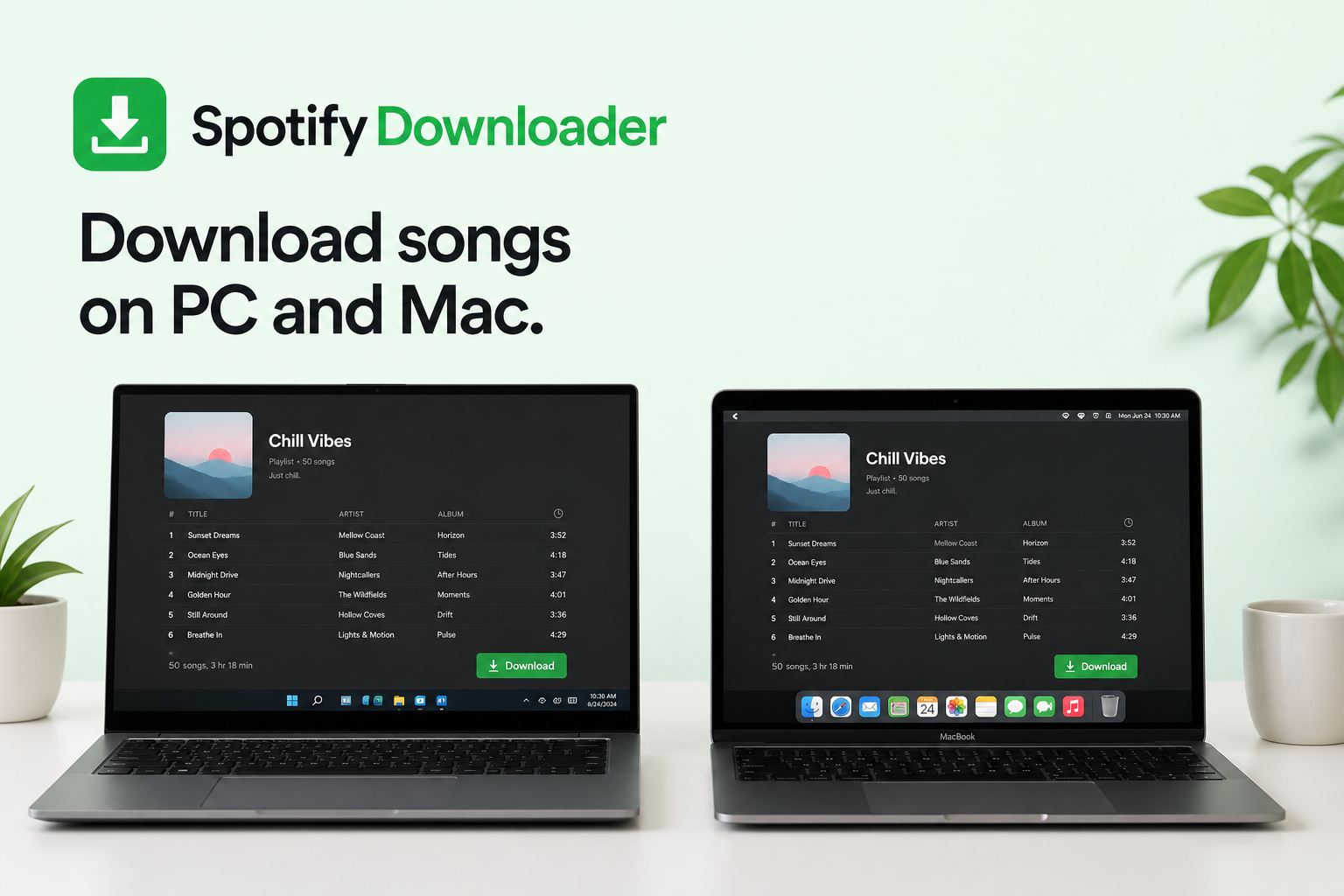
How to download Spotify songs on PC and Mac
Spotify lets eligible Premium subscribers download songs, albums, and playlists for offline listening on both Windows PCs and Macs. The download runs inside the Spotify desktop application, which saves the music in a protected format for playback within Spotify. These files are not standalone MP3s you can move between folders, players, or USB drives.
That difference matters. Downloading music for offline playback inside Spotify is one thing. Saving a song as a separate MP3 file is another, with different steps and different legal considerations.
The sections below cover the download steps for Windows PC and Mac and how Spotify's offline feature works. They also cover failed downloads, storage use, and how offline downloads differ from MP3 downloads.
Quick answer: With an eligible Spotify Premium subscription, open the Spotify desktop app, open the playlist or album you want to save, and select Download. Spotify saves the content for offline playback inside the app. To keep a single track offline, add it to a playlist first, then download that playlist.
Can you download Spotify songs on a PC or Mac?
Yes, Spotify supports offline downloads on both Windows PCs and Macs for eligible Premium users. According to Spotify's official support documentation, desktop users download a playlist by opening it while connected to the internet and selecting the download button. Spotify recommends keeping enough free storage available and connecting the app to the internet periodically so the downloads stay available.
Spotify's built-in download feature is designed for offline listening inside Spotify. It does not give you an MP3 file that you can move freely between folders, music players, USB drives, or other applications.
An MP3 file is a different goal with a different process and different legal considerations. Only download or convert music when you hold the necessary rights or permission to do so.
What you need before downloading Spotify music
Downloading Spotify music for offline listening requires six things:
- The Spotify desktop application, installed on your computer
- An active Spotify account
- An eligible Spotify Premium plan for offline music downloads
- A stable internet connection
- Sufficient free storage space on the device
- The latest version of the Spotify application
Spotify includes music downloads as a Premium feature. Spotify states that Premium users can download songs, albums, and playlists for offline listening across up to five devices, with up to 10,000 tracks per device.
The free plan does not include the same offline music download feature. Podcast download availability can differ depending on the account and region.
How to download Spotify songs on PC
Downloading Spotify music on a Windows PC takes five steps in the official Spotify desktop application.
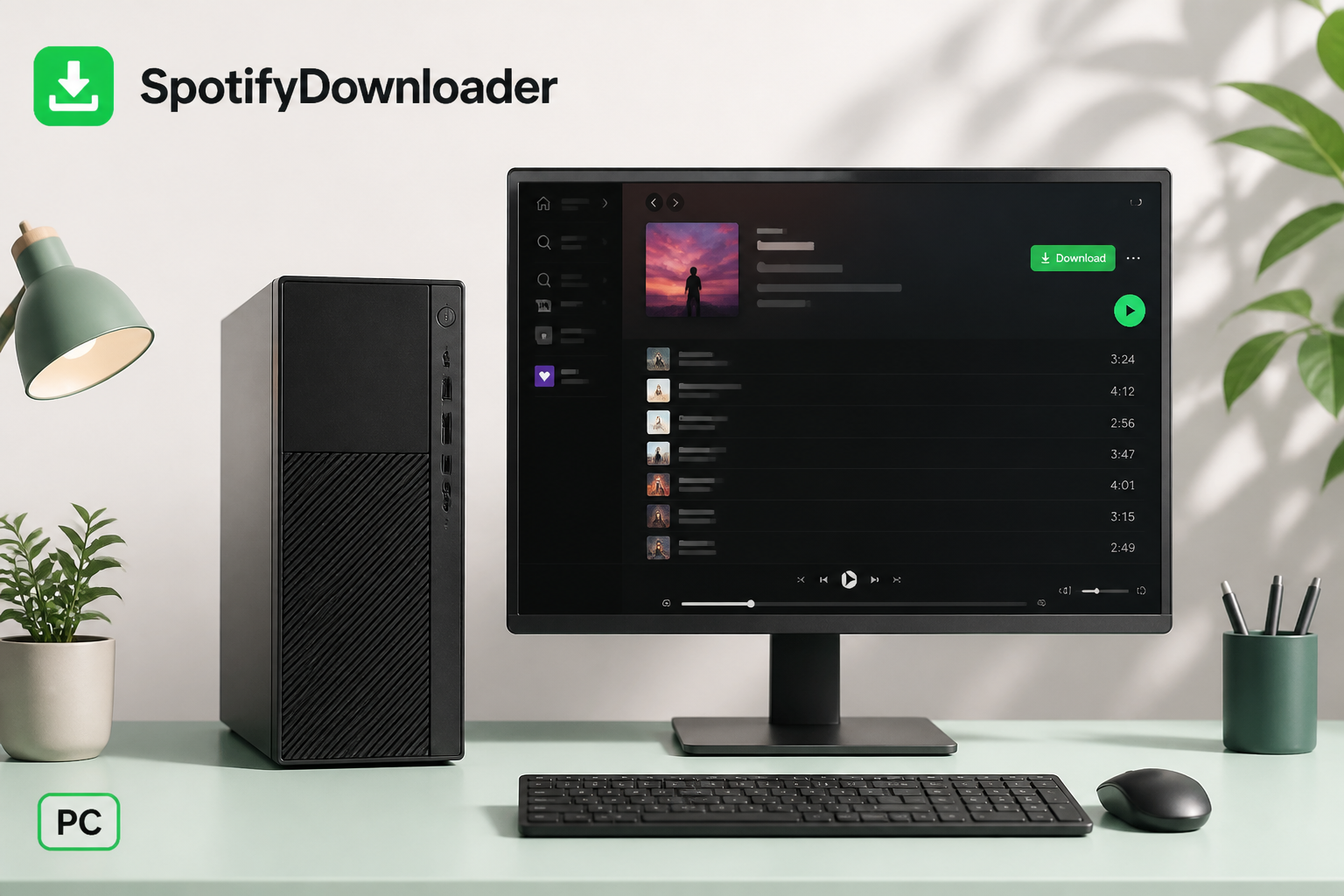
Step 1: Install and open Spotify
Open the Spotify application on your Windows computer and sign in to your account. If the desktop application is not installed yet, get it from Spotify's official website or your normal application store.
Step 2: Find the music you want to download
Search for the album, playlist, or collection you want to hear offline. Common examples include:
- A personal playlist
- A workout playlist
- A favorite album
- A playlist of your favorite songs
- A playlist made for travel
The desktop download feature works with playlists and albums rather than treating each song as an independent downloadable file.
Step 3: Select Download
Open the playlist or album and find the Download button. Select it while you are connected to the internet. Spotify begins downloading the available content to your computer.
Step 4: Wait for the download to finish
Keep Spotify open while the download runs. The time it takes depends on five factors:
- Number of tracks
- Audio quality
- Internet speed
- Available storage
- Spotify's connection to its servers
A small playlist finishes quickly. A large playlist with hundreds of songs can take considerably longer.
Step 5: Listen offline
Once the download completes, you can play the content without an active internet connection. These downloads are built for offline playback inside Spotify. They are not regular MP3 files in a folder that another music player can open.
How to download Spotify songs on Mac
The process on macOS matches the Windows steps almost exactly.
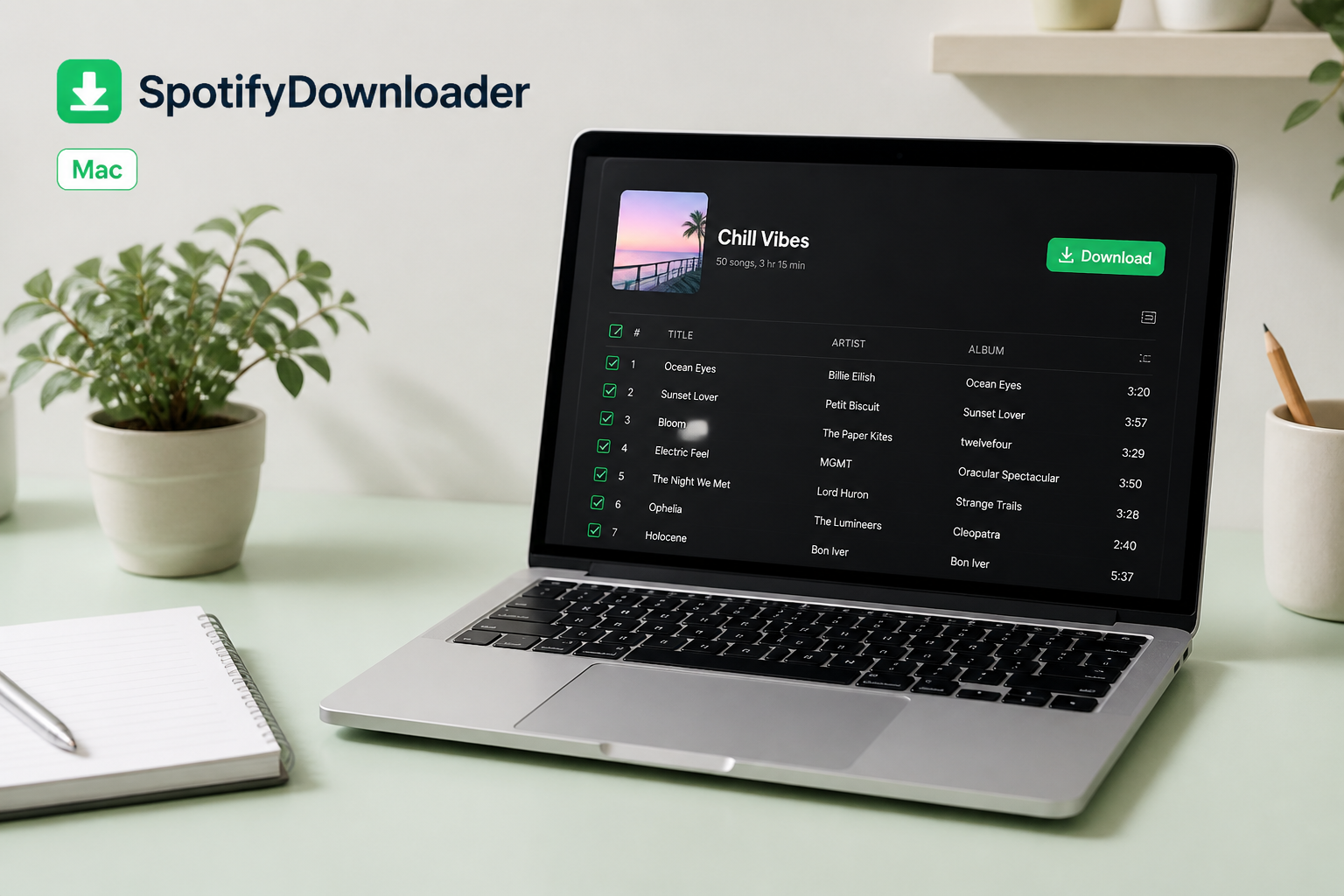
Step 1: Open Spotify
Launch the Spotify application on your Mac and sign in.
Step 2: Choose an album or playlist
Find the music you want available offline. Use Spotify's search function to locate an artist, album, playlist, or song.
Step 3: Add individual songs to a playlist
To keep one or two individual songs offline, create a playlist and add those songs to it. Name it something clear, such as "My Offline Songs," then add every track you want to keep offline.
Step 4: Download the playlist
Open your playlist and select the Download button. Spotify starts saving the content for offline playback.
Step 5: Test offline playback
After the download finishes, switch Spotify to Offline Mode to test it. On desktop, Offline Mode lets you use your downloaded content without an internet connection.
How to download individual Spotify songs
Spotify's desktop download workflow is built around playlists and albums, not single tracks. To keep one or two songs offline, add them to a playlist and download that playlist:
- Create a new playlist.
- Name it something clear, such as "Offline Music."
- Add the songs you want.
- Open the playlist.
- Select Download.
- Wait until the tracks finish downloading.
This method works well when you do not want to download a whole album or a large playlist.
How to download an entire Spotify playlist
Downloading a complete playlist is one of the fastest ways to prepare music for offline listening. Build purpose-specific playlists for different situations, such as:
- Travel
- Gym workouts
- Long drives
- Study sessions
- Work
- Flights
- Parties
- Relaxation
Open the playlist in the Spotify desktop application and select Download. Once the tracks are downloaded, Spotify plays them without a continuous internet connection.
To download playlists for other purposes, see our Spotify Playlist Downloader — Save Full Playlists Free.
Where Spotify stores downloaded music on PC and Mac
Spotify stores downloaded music inside its own application in a protected format, not as ordinary MP3 files in your Music folder. The app manages this content itself, so searching your computer for a file such as Song Name.mp3 will not return the songs you downloaded through Spotify.
The download feature exists for offline playback inside the Spotify ecosystem. It does not give you permanent ownership of unrestricted audio files.
Spotify downloads vs MP3 downloads
A Spotify offline download and an MP3 file behave differently across seven common criteria. The table below compares how each one works, from internet-free playback to whether other music players can open it.
| Feature | Spotify offline download | MP3 file |
|---|---|---|
| Works without internet | Yes | Yes |
| Available inside Spotify | Yes | No, unless added as a local file |
| Creates a normal MP3 file | No | Yes |
| Can be moved to another device freely | No | Usually yes |
| Built for Spotify offline playback | Yes | No |
| Requires Spotify Premium for music | Yes | Depends on the method or source |
| Plays in other music players | No | Usually yes |
Spotify's official downloads are best understood as offline access inside the app rather than traditional file downloads. For music you legally own or have permission to download, see our Download Spotify Songs, Albums & Playlists to MP3 and its supported workflow.
Why you cannot download Spotify songs
When the Download button does not respond or a download stays stuck, the cause is usually one of six issues. Work through them in order.
Check your internet connection
Spotify needs an active internet connection to download music. Open another website or application to confirm your connection works. If it is unstable, switch to a more reliable Wi-Fi network and try again.
Check your available storage
Large playlists use significant storage, especially at higher audio quality. Spotify recommends at least 1 GB (1,000 MB) of free storage for downloads. If your computer is nearly full:
- Remove unnecessary files.
- Empty the recycle bin or trash.
- Uninstall unused applications.
- Clear unnecessary cached data.
- Retry the Spotify download.
Check whether you reached the device limit
Spotify supports downloads across up to five devices, with a maximum of 10,000 tracks per device. If you have used Spotify on more than one computer or other devices, confirm you have not reached the download-device limit.
Restart Spotify
A restart clears temporary application problems. Close Spotify completely, wait about 10 seconds, and open it again. Return to your playlist and retry the download.
Update Spotify
An outdated application can cause download or playback problems. Confirm you are running the latest available version of Spotify for your operating system. Updating Spotify is especially useful right after you update the operating system itself.
Check Offline Mode
If Spotify appears offline unexpectedly, check whether Offline Mode is enabled. The setting is available in the desktop app, though the menu path differs between Mac and Windows. To download new music, you need an active internet connection first.
Why your Spotify downloads disappeared
Previously downloaded music can stop being available offline. According to Spotify, downloads become unavailable for five main reasons:
- No internet connection for 30 days
- A reinstall of the Spotify application
- More devices than the supported limit
- An outdated version of the application
- A problem with the device or its storage
Spotify states that users must connect to the internet at least once every 30 days to keep downloads active. If your downloads disappear after you reinstall Spotify, you may need to download the music again.
How much storage Spotify downloads use
The storage a download uses depends on how much music you save and the audio quality you select. A short playlist uses little space. Hundreds or thousands of songs can use a significant amount. Higher audio quality needs more storage and bandwidth, and Spotify notes that lossless audio files are significantly larger than standard-quality files.
When storage is limited, download only the playlists you need offline. Instead of your entire library, build smaller collections, for example:
- Travel playlist: about 100 songs
- Workout playlist: about 75 songs
- Work playlist: about 50 songs
Smaller collections keep your offline library easier to manage and reduce storage use.
Can you download Spotify songs without Premium?
No, Spotify's official offline music downloads require Premium. Spotify's current Premium documentation lists offline music downloads as a Premium benefit, so the free plan does not include the same feature.
Some third-party tools claim to download Spotify tracks as MP3 files. Before using any third-party Spotify downloader, confirm what it downloads and whether you hold the legal right or permission to save and use the content. Spotify's terms grant access to the service for personal, non-commercial use and state that users do not receive ownership of Spotify's content. Being able to download a track does not give you the copyright to it.
Is a Spotify MP3 download the same as an offline download?
No, a Spotify MP3 download and a Spotify offline download are not the same thing. A Spotify offline download is controlled by the Spotify application and is meant for listening through Spotify. An MP3 download creates a conventional audio file that you can store, rename, transfer, back up, and play in compatible audio software.
The distinction matters because people who search for "Spotify MP3 download" often want offline listening rather than a separate audio file. For offline listening alone, Spotify's built-in Premium download feature is the simplest option. For an actual audio file, confirm that you hold the necessary rights or permission for the content first.
Best practices for downloading Spotify music on your computer
Six habits improve the offline download experience on a PC or Mac:
- Use Wi-Fi for large downloads. Large playlists consume significant bandwidth over a limited connection.
- Keep enough storage free. Do not wait until the computer is nearly full to download a large playlist.
- Organize your playlists. Build separate playlists for different situations instead of downloading everything.
- Keep Spotify updated. Updates resolve bugs and compatibility problems.
- Connect to the internet regularly. Spotify requires users to go online at least once every 30 days to keep downloads active.
- Use official sources. For offline Spotify listening, the built-in feature is the most straightforward option.
Frequently asked questions
Can I download Spotify songs on Windows? Yes, Spotify supports offline music downloads on Windows for eligible Premium users. Open a playlist or album in the desktop app and select Download.
Can I download Spotify songs on Mac? Yes, the Spotify desktop application for Mac supports offline downloads for eligible Premium users. The steps match the Windows process.
Can I download one Spotify song? Spotify's desktop download workflow is based on playlists and albums, so add the single song to a playlist and download that playlist.
Does Spotify download music as MP3? No, Spotify's built-in offline download feature does not create ordinary MP3 files that you can access and move around your computer. It saves protected files for playback inside Spotify.
Can I listen to Spotify downloads without internet? Yes, downloaded content plays offline. Spotify recommends connecting to the internet at least once every 30 days to keep the downloads active.
Why is Spotify not downloading my playlist? Check your internet connection, available storage, device limit, and application version, and confirm Spotify is not having a temporary issue. Spotify also recommends restarting or reinstalling the application in some cases.
How many Spotify songs can I download? Spotify states that Premium users can download up to 10,000 tracks per device, across up to five devices.
Can I move Spotify downloads to a USB drive? No, Spotify's built-in offline downloads are not ordinary MP3 files, so they are not designed to be copied to a USB drive like normal audio files.
Final thoughts
Downloading Spotify songs on a PC or Mac is straightforward when the goal is offline listening inside Spotify. With a Premium subscription, you can download playlists and albums, prepare music before you travel, and keep listening when you are offline.
The point to remember is that Spotify offline downloads and MP3 downloads are not the same thing. Spotify's download system is built for offline playback inside its own application, while an MP3 is a conventional audio file. For an actual downloadable audio file, always confirm that you hold the necessary rights or permission to download and use the content first.
For more on downloading Spotify content, visit our Download Spotify Songs, Albums & Playlists to MP3 or our Spotify Playlist Downloader — Save Full Playlists Free.