How to download songs from Spotify for offline listening
Spotify gives listeners two different ways to enjoy music without an active internet connection. You can use Spotify's official offline mode inside the app, or you can download direct, unrestricted MP3 audio files to your device. Understanding how each method works saves you time, phone storage, and unnecessary subscription fees.
Quick answer: To download songs inside Spotify, open any playlist or album on your phone or desktop and tap Download. This requires an active Spotify Premium subscription and keeps the music locked inside the Spotify app. If you want permanent audio files that play in any media player, car stereo, or DJ software without a subscription, use our free Spotify Downloader to save any track, album, or playlist as a 320kbps MP3.
What is Spotify offline listening?
Offline listening lets you play music when you do not have cellular data or Wi-Fi. It is handy on flights, subway rides, remote road trips, and international travel where data roaming costs run high.
The official feature works by caching audio files inside the Spotify application. Spotify encrypts these files with digital rights management (DRM) protection. That means the songs do not show up as regular MP3 files in your phone storage or computer hard drive. You can only play them through the Spotify app while your account status stays active.
Spotify also sets strict rules for offline content:
- Music downloads require an active paid Spotify Premium plan ($11.99 per month).
- Free tier accounts can download podcast episodes, but cannot download music tracks or albums.
- You must connect the Spotify app to the internet at least once every 30 days to keep your downloads active.
- You can download tracks on a maximum of five devices, capped at 10,000 songs per device.
- Reinstalling the app or logging out immediately deletes your downloaded cache.
If those limitations get in the way of how you listen to music, there is a better way. Converting your music directly to standalone audio with a reliable Spotify to MP3 converter gives you permanent files that you own forever.
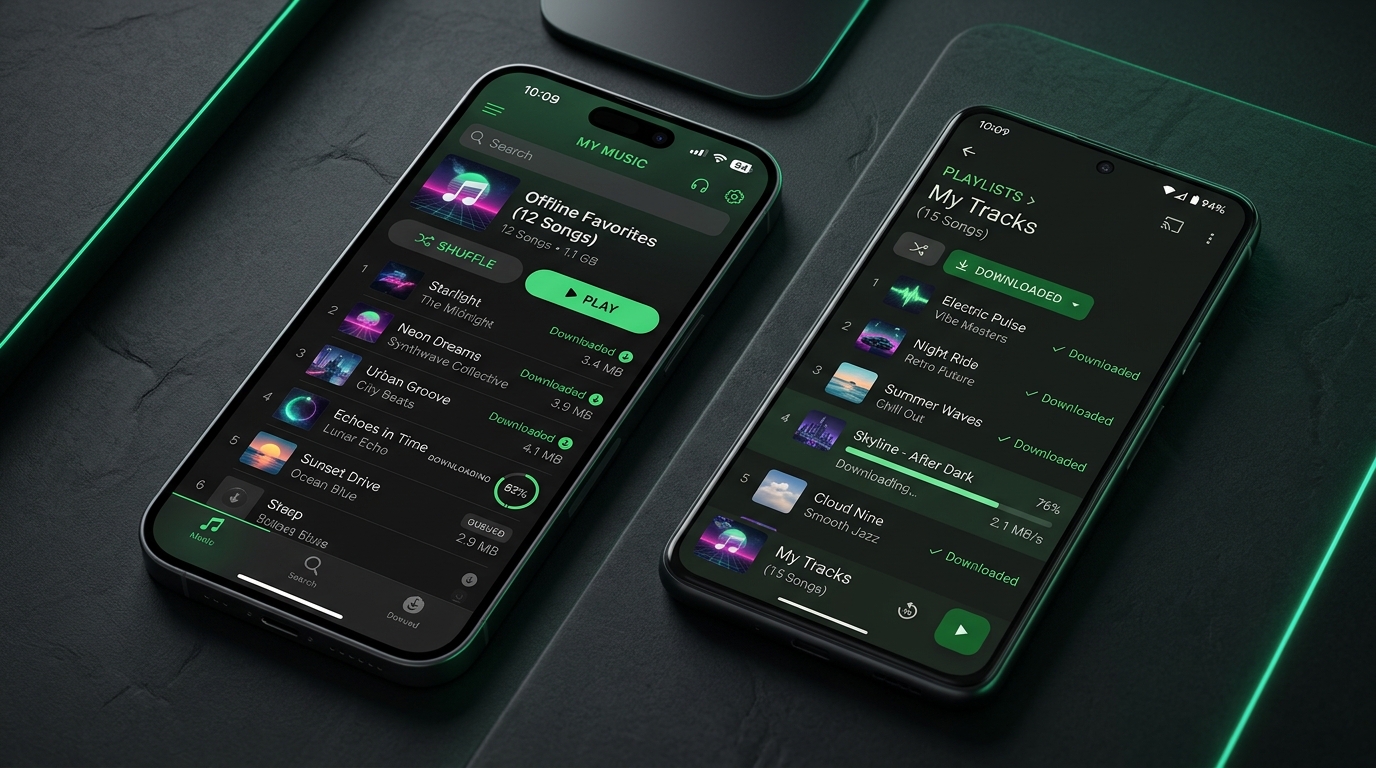
How to download Spotify songs on iPhone and Android
If you have a Premium account and want to store music inside the mobile app, follow these steps.
Step 1: Connect to Wi-Fi and open Spotify
Open the Spotify app on your iOS or Android device. Make sure your internet connection is stable before starting, as large playlists consume substantial data.
Step 2: Open your target playlist or album
Spotify does not allow you to download an individual song directly using a dedicated button. To save a single track, tap the three dots beside the song, select Add to playlist, and place it into a dedicated offline playlist. If you want a full album or an existing playlist, navigate directly to that page.
Step 3: Tap the Download button
Tap the downward arrow icon located near the top of the album or playlist. The arrow turns green once the track finishes downloading.
Step 4: Turn on Offline Mode for travel
By default, Spotify attempts to stream audio whenever it senses an internet signal. If you want to force the app to play only saved tracks to conserve mobile data, go to Settings > Playback and toggle on Offline Mode.
How to download Spotify music on Windows PC and Mac
The desktop application on Windows and macOS uses a similar workflow for in-app offline listening.
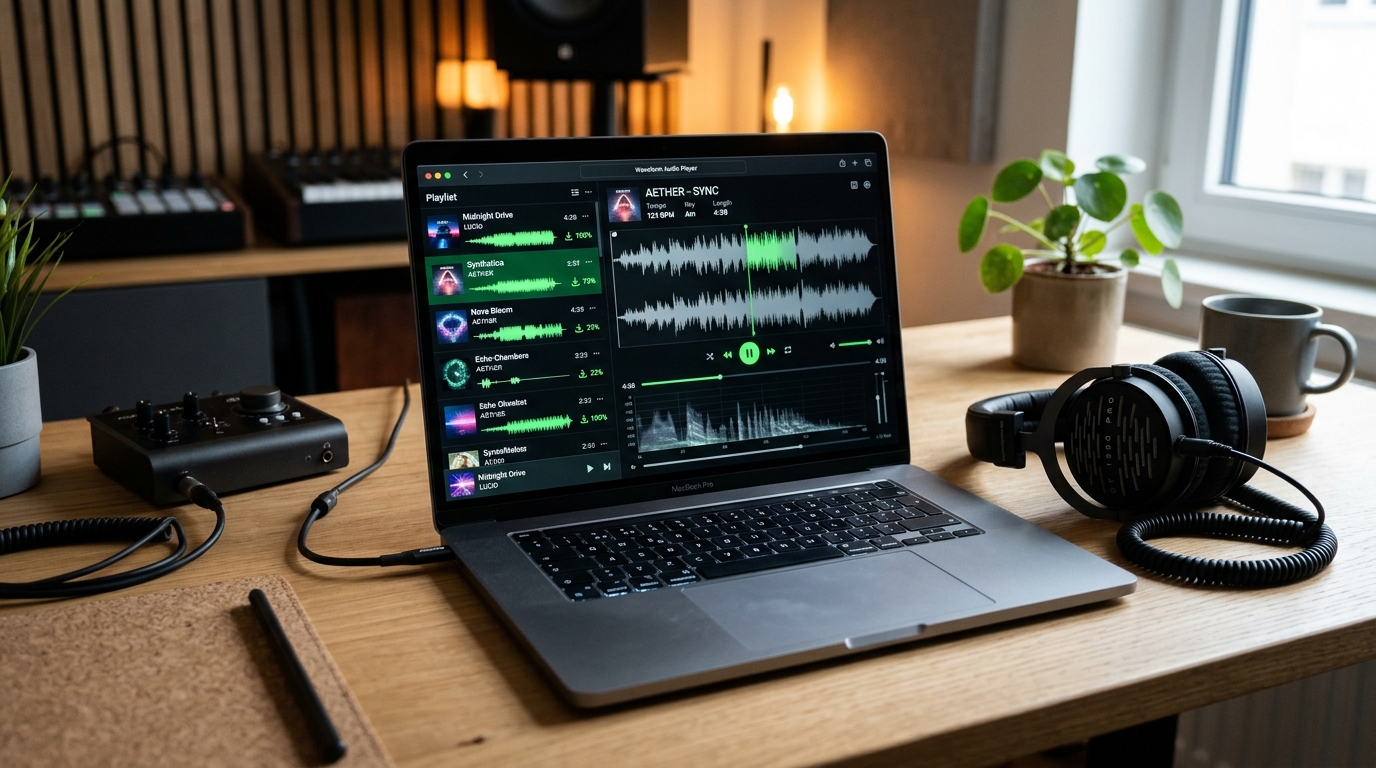
- Open the Spotify desktop application on your computer and sign in with your Premium credentials.
- Search for the playlist or album you want to store locally.
- Click the Download button located right next to the green play button.
- Wait for the download progress circle to complete. Each song will show a green downloaded badge.
- To test your offline access, select Spotify from your system menu (or File on Windows) and click Offline Mode.
Keep in mind that the Spotify web player in your browser does not support offline downloads. You must install the official desktop application for this method to work.
The limitation: why in-app Spotify downloads fall short
Many listeners assume that clicking download in Spotify gives them actual MP3 files. They are surprised when they look for the songs in their Downloads folder and find nothing there.
Spotify stores its offline cache in hidden system folders using a proprietary, encrypted container format. This design creates several everyday frustrations:
- No USB or car playback: You cannot copy your downloaded tracks to a USB flash drive to plug into your vehicle or home stereo.
- No external music players: You cannot open the files in VLC, Apple Music, Windows Media Player, or mobile audio apps.
- No DJ or mixing software: Popular DJ applications like Serato, Rekordbox, and VirtualDJ cannot load encrypted Spotify files.
- Subscription trap: The moment you pause or cancel your Premium subscription, all your downloaded songs become unplayable instantly.
- 30-day reset timer: If you go on an extended camping trip or deployment without internet access, your entire offline library locks up after 30 days.
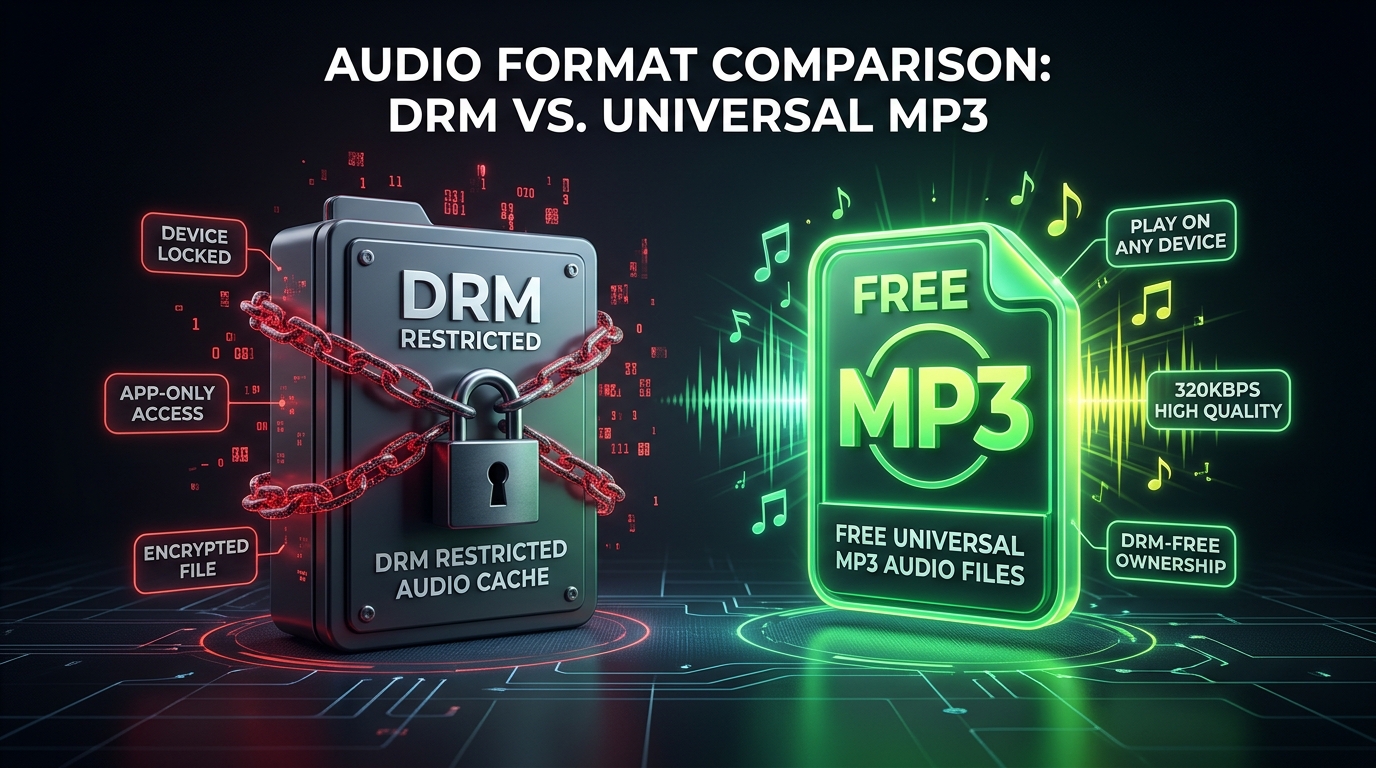
The better alternative: download permanent 320kbps MP3s with our downloader
If you want true offline listening without app restrictions, device caps, or monthly fees, our web platform is the best music downloader for the job.
Our tool extracts the metadata and matches audio at studio-grade quality up to 320kbps. You get universal MP3 files that you can transfer to any phone, tablet, computer, SD card, or MP3 player without restrictions.
Why our downloader is the top choice:
- 100% free with no registration: You do not need to create an account, enter credit card details, or install suspicious browser extensions.
- True 320kbps audio: We deliver clear, high-bitrate audio that preserves every frequency of the original master.
- Full ID3 tags and album cover art: Every downloaded MP3 includes embedded track titles, artist names, album titles, and high-resolution cover art.
- Full playlist and album support: You do not have to download tracks one by one. Use our Spotify Playlist Downloader or Spotify Album Downloader to grab entire collections in minutes.
- Bulk ZIP downloads: If you have large libraries with dozens of tracks, our Spotify Playlist ZIP Downloader bundles everything into a single organized archive.
- Universal compatibility: MP3 files play on any device built in the last thirty years, from vintage iPods to modern car infotainment systems.
How to download any Spotify song or playlist to MP3 in 3 steps:
- Copy the Spotify link: Open Spotify on your phone or computer, click the three dots on any song, album, or playlist, and choose Share > Copy Link.
- Paste into our downloader: Go to our homepage at Spotify Downloader or open the Spotify Song Downloader. Paste the link into the URL input bar.
- Click Download: Hit the convert button. Our system parses the track details in seconds and gives you a direct link to save your clean 320kbps MP3 file.
Spotify offline cache vs. Direct MP3 download
Here is a side-by-side look at how Spotify's built-in offline mode compares with downloading actual MP3 files through our website:
| Feature | Spotify Official Offline Mode | Our Spotify Downloader |
|---|---|---|
| File Format | Encrypted DRM cache file | Universal 320kbps MP3 |
| Cost | $11.99 / month (Premium required) | 100% Free forever |
| Account Required | Yes (Spotify login mandatory) | No login or registration |
| Play Outside Spotify App | No (locked to official app) | Yes (plays in any media player) |
| Transfer to USB or SD Card | No | Yes, unrestricted file copying |
| Car Stereo & DJ Compatibility | Requires phone Bluetooth connection | Works on all USB decks and DJ software |
| Expiration Date | Requires internet check-in every 30 days | Files never expire or lock up |
| Device Limit | 5 devices maximum | Unlimited devices |
| Download Single Songs Directly | No (must add to a playlist first) | Yes, one-click single track downloads |
| Batch Playlist Download | In-app only | Direct download or bundled ZIP archive |
If you only need quick playback during your daily train commute and already pay for Premium, Spotify's app feature does the job. But whenever you want permanent audio ownership, freedom from monthly subscriptions, or files you can play anywhere, our Spotify Music Downloader is the clear winner.
Spotify downloads not working? Common fixes
If you are using Spotify's app and run into playback errors or stuck downloads, check these common troubleshooting fixes.
1. Check your device storage space
Spotify needs sufficient free local storage to download audio cache. If your phone has less than 1 GB of available space, Spotify pauses downloads automatically. Delete unused apps or photos to clear room, then restart the download.
2. Verify your 5-device limit
Spotify restricts downloads to five devices per account. If you log in on an old phone, tablet, or work laptop, you might hit this barrier without realizing it. Visit your Spotify account page in a web browser and remove inactive devices from your offline list.
3. Reconnect to the internet for the 30-day check-in
If previously downloaded tracks suddenly turn grey and refuse to play, your 30-day verification window probably expired. Connect your phone or computer to Wi-Fi, open Spotify, and let your library sync for two minutes.
4. Switch off Low Power Mode or battery optimization
Both iOS and Android pause background data transfers when Low Power Mode is active. Keep your screen awake or disable battery savers while downloading large music libraries.
5. Bypass app errors with direct MP3 downloads
When Spotify's app keeps corrupting your offline files, skip the hassle entirely. Paste your playlist link into our Spotify Playlist Downloader to get clean MP3 files directly onto your hard drive. Once saved, they never corrupt, disconnect, or require internet syncs.
Key takeaways
- Spotify's official offline mode requires an active $11.99 monthly Premium subscription.
- Official downloads are encrypted DRM cache files, not standard MP3 files.
- Free accounts can only download podcasts, not music.
- In-app downloads expire if you do not connect to the internet at least once every 30 days.
- Single tracks cannot be downloaded directly in Spotify without putting them in a playlist first.
- To listen to music without apps, device caps, or recurring subscription fees, our Spotify Downloader converts any song, album, or playlist into 320kbps MP3 files for free.
Frequently asked questions
Can I download songs from Spotify for offline listening without Premium? You cannot download music inside the official Spotify app without a paid Premium subscription. However, you can use our free Spotify Downloader to paste any Spotify track, album, or playlist link and download high-quality 320kbps MP3 files directly to your device with no subscription.
Are downloaded Spotify songs saved as MP3 files? No. Spotify stores offline downloads as encrypted, proprietary data files that can only be decoded and played inside the Spotify application. To get genuine MP3 audio files that play anywhere, use our Spotify to MP3 converter.
Can I download a single song from Spotify? Inside Spotify, you cannot download a single song by itself. You have to create a new playlist, add the track to it, and download the entire playlist. On our website, you can download any single song directly with one click using our Spotify Song Downloader.
How long do downloaded songs stay on Spotify? Official Spotify downloads remain active as long as you maintain your paid Premium subscription and connect to the internet at least once every 30 days. In contrast, MP3 files downloaded from our site stay on your device permanently and never expire.
Can I transfer Spotify offline downloads to a USB drive? No. Because Spotify offline tracks are encrypted within the app's cache directory, you cannot transfer them to a USB flash drive or memory card for external playback. If you need music on a USB drive for your car or DJ set, download the tracks as MP3s through our website first.
How many songs can I download on Spotify? Spotify allows Premium subscribers to download up to 10,000 tracks per device on up to five devices. With our online music downloader, there are no track limits or device quotas. You can download as many songs and playlists as you want.
What is the audio quality of downloaded Spotify MP3 files? Our downloader provides studio-grade MP3 audio up to 320kbps. This gives you crisp highs, rich bass, and full dynamic range matching the highest bitrate available on streaming platforms.
Why did my downloaded Spotify songs disappear? In-app Spotify downloads disappear if your Premium subscription lapses, if you exceed the five-device limit, if you do not connect to the internet for 30 days, or if you reinstall the app. Storing your music as standalone MP3 files prevents this issue entirely.
Download your favorite music today
Listening to music offline should be simple and accessible on your own terms. While Spotify's built-in offline mode is convenient for quick listening inside the app, it locks your music behind a monthly paywall and restrictive DRM protection.
Take control of your music library. Visit our Spotify Downloader right now, paste any track or playlist link, and download studio-quality 320kbps MP3 files in seconds. Experience true offline freedom with music that belongs to you forever, playable on any device, anywhere in the world.